


On this page
Why follow-up is where sales teams lose deals
Very few deals are lost on the first call. They are lost in the quiet days after it: the lead who did not pick up, the prospect who said “send me details” and never heard back, the meeting that was missed and never rebooked. Nobody decides to drop these leads. The follow-up simply depends on a person remembering, and people are busy.
The principle DueDoor is built on is that every lead should have a next step that happens whether or not someone remembers it. Good sales automation software does not replace the rep. It makes sure the rep’s time goes to leads who replied, and that silence triggers the next touch instead of nothing.
Speed matters as much as persistence. Our guide on speed to lead and response time explains why the first minutes after an enquiry decide so much.
Follow-up gap calculator
Put in your numbers to see how many leads slip away between the first reply and the last follow-up.
Your full report
Recommended plan
Estimate. Assumes leads cool off as the first reply slows (10% at 30 minutes, up to 50% after a day) and that 1, 2 or 3 follow-ups capture 50%, 70% and 85% of the wins a 5-step follow-up would.
Send your results to us on WhatsApp, or leave your details. Takes 10 seconds.
The channels you can combine in one flow
DueDoor’s automations use a visual flow builder. A flow starts from a trigger (new lead, form submitted, stage change, message received, lead became qualified) and runs actions, waits and branches.
Approved templates for the first touch and reminders, then the AI agent or a rep once the lead replies.
Sequences with automatic follow-ups, open and reply tracking, and reply detection that stops the sequence.
AI call
The AI voice agent calls, asks your questions, and saves the recording, transcript, summary and outcome on the lead.
Rep task
When a human touch is needed, the flow creates a task, assigns an owner and notifies the team.
Meetings
Booking links with WhatsApp confirmations and reminders before the meeting. See meetings.
Connection requests, messages and follow-ups, available on the Business plan.
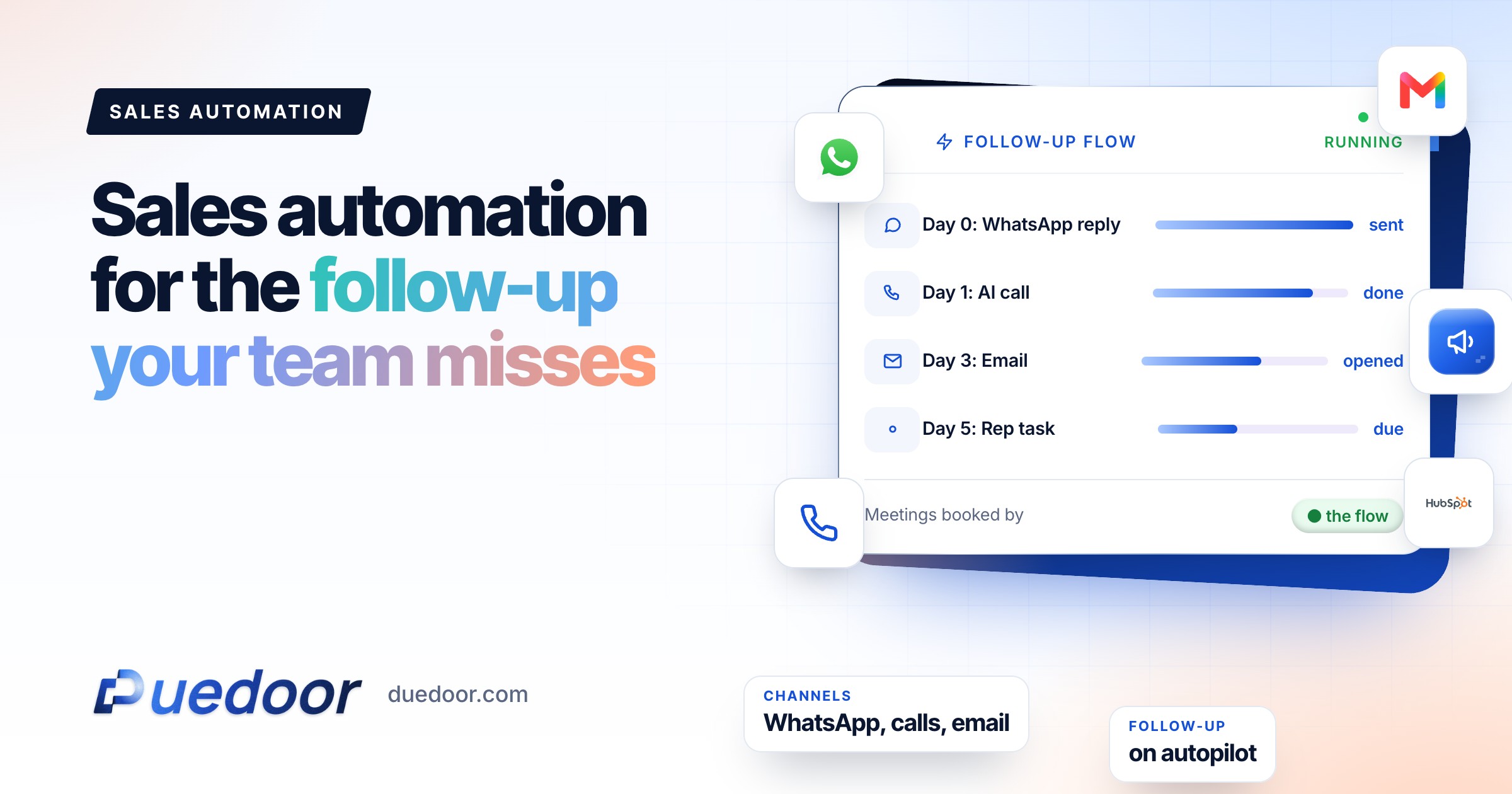
Four lead follow-up automation flows, written out step by step
These are starting points. Timings and wording change by industry; the structure rarely does.
Flow 1: new inbound lead
- Trigger. New lead from a Meta or Google Ads lead form, or a website form.
- WhatsApp template. Sent straight away: a thank-you, the brochure, and one question that is easy to answer.
- AI call. If the flow is set to call, the AI voice agent calls within minutes and asks the qualifying questions.
- Branch. If the outcome is interested or meeting booked, assign an owner and notify them. If call back, create a task for the time the lead asked for.
- Wait. If there is no answer on either channel, the lead moves into Flow 2.
Flow 2: no reply after 2 days
- Wait and check. Continuing from Flow 1, the flow waits 2 days, then a branch checks whether the lead has replied or moved stage.
- WhatsApp template. A short, different angle: a project photo, a fee sheet, a common question answered. Not “just following up”.
- Wait 1 day, then email. A plain email with the same useful asset, for leads who prefer their inbox.
- Wait 2 days, then a task. A rep gets a task to call personally, with the whole history on the lead.
- Stop rule. Any reply on any channel ends the flow and puts the lead in front of a person.
Flow 3: meeting no-show
- Trigger. Stage change: the rep moves the lead to a “no-show” stage.
- WhatsApp template within the hour. No guilt: “Looks like today did not work. Pick a new time here”, with the booking link.
- Wait 1 day, then AI call. The AI agent offers to rebook and records the outcome.
- Branch. Rebooked leads get confirmations and reminders. Leads that say not interested move to a closed stage with the reason saved.
Flow 4: cold outbound email sequence
- List. A contact list you have a lawful reason to email, with the offer matched to one industry.
- Email 1. Short, specific, one question. No attachments.
- Follow-up after 3 days. Short, refers back to the first email, adds one useful point.
- Follow-up after 5 more days. A final, polite close-the-loop message.
- Reply detection. Any reply stops the sequence so a person can answer. Interested prospects move into the pipeline with an owner, and from there into a WhatsApp or call flow.
Key point: every flow needs a stop rule. Automation that keeps messaging someone who already replied, or said no, does more damage than no automation at all. On WhatsApp, only message people who have opted in to hear from you, as WhatsApp’s Business Messaging Policy requires.
Email deliverability basics before you press send
An email outreach platform is only as good as its inbox placement. Four habits cover most of it.
| Habit | What to do |
|---|---|
| Authenticate the domain | Gmail’s sender guidelines ask all senders to set up SPF or DKIM, and bulk senders (more than 5,000 messages a day to Gmail accounts) to set up SPF, DKIM and DMARC, with one-click unsubscribe on marketing messages. |
| Warm up new inboxes | DueDoor’s inbox warm-up builds sending reputation gradually before a mailbox runs campaigns. Consider a separate domain for cold outreach so your main domain stays clean. |
| Respect sending limits | Spread volume across days and inboxes instead of one large blast. Gmail asks senders to keep the spam rate reported in Postmaster Tools below 0.3%. |
| Let replies stop the sequence | Reply detection ends the follow-ups the moment someone answers, which is both polite and safer for reputation. |
LinkedIn outreach automation, used responsibly
On the Business plan, DueDoor can send LinkedIn connection requests, messages and follow-ups. It works best as a quiet, personal channel for a short list of well-chosen accounts, not as a volume engine.
- Read LinkedIn’s rules. LinkedIn’s User Agreement restricts bots and unauthorised automated methods for adding contacts and sending messages. Decide your own comfort level; the account is yours.
- Keep volume human. Send what a person could plausibly send by hand in a working day.
- Personalise. Reference the prospect’s company or role. A connection note that could go to anyone should not go to anyone.
- Move to a conversation. Once someone replies, a person takes over.
For how the voice side fits in, read our guide to AI calling agents for sales. Plan details are on the pricing page.
Frequently asked questions
What is sales outreach automation?
Software that sends the next follow-up for you, across channels, based on what the lead did or did not do. In DueDoor that means flows that send WhatsApp templates and emails, start AI calls, wait, branch on replies, and create tasks for reps, all recorded on the lead.
Will automation make my outreach feel robotic?
It can, if every message is a template blast with no stop rule. Keep messages short and specific, stop the flow the moment someone replies, and hand live conversations to a person. Automation should handle the reminders, not the relationship.
Can DueDoor stop an email sequence when someone replies?
Yes. Reply detection stops the follow-ups for that contact, so a person can take the conversation from there instead of the sequence talking over them.
Is LinkedIn outreach included on every plan?
No. LinkedIn outreach (connection requests, messages and follow-ups) is on the Business plan and above. The Pro plan includes the pipeline, WhatsApp AI agent, WhatsApp sequences and AI email campaigns.
Is AI calling part of the plan price?
AI calling is priced separately, as a setup plus a per-agent fee, with calling usage billed through a prepaid wallet. The demo walks through each part, and you get it in writing.
Sources
- Gmail Help: Email sender guidelines (checked on 18 September 2026)
- LinkedIn: User Agreement (checked on 18 September 2026)
- WhatsApp: Business Messaging Policy (checked on 18 September 2026)
Stop losing leads in the quiet days
We will map your first follow-up flow with you on the demo.

