


On this page
What a WhatsApp AI chatbot actually does on DueDoor
Most enquiries arrive with the same five questions: price, location or availability, timings, what is included, and “can someone call me?”. A WhatsApp AI chatbot earns its place when it answers those accurately at 11 pm on a Sunday and then moves the lead one step forward, instead of leaving a polite “we will get back to you”.
That is the difference between a WhatsApp AI agent and an auto-reply. DueDoor’s AI agent runs on the official WhatsApp Business Platform (Cloud API). DueDoor is an approved Meta Tech Provider, so your number is connected through Meta’s embedded signup, not through an unofficial app or a phone left logged in on a desk. If you are still on the WhatsApp Business app, our WhatsApp Business API page explains what changes when you move.
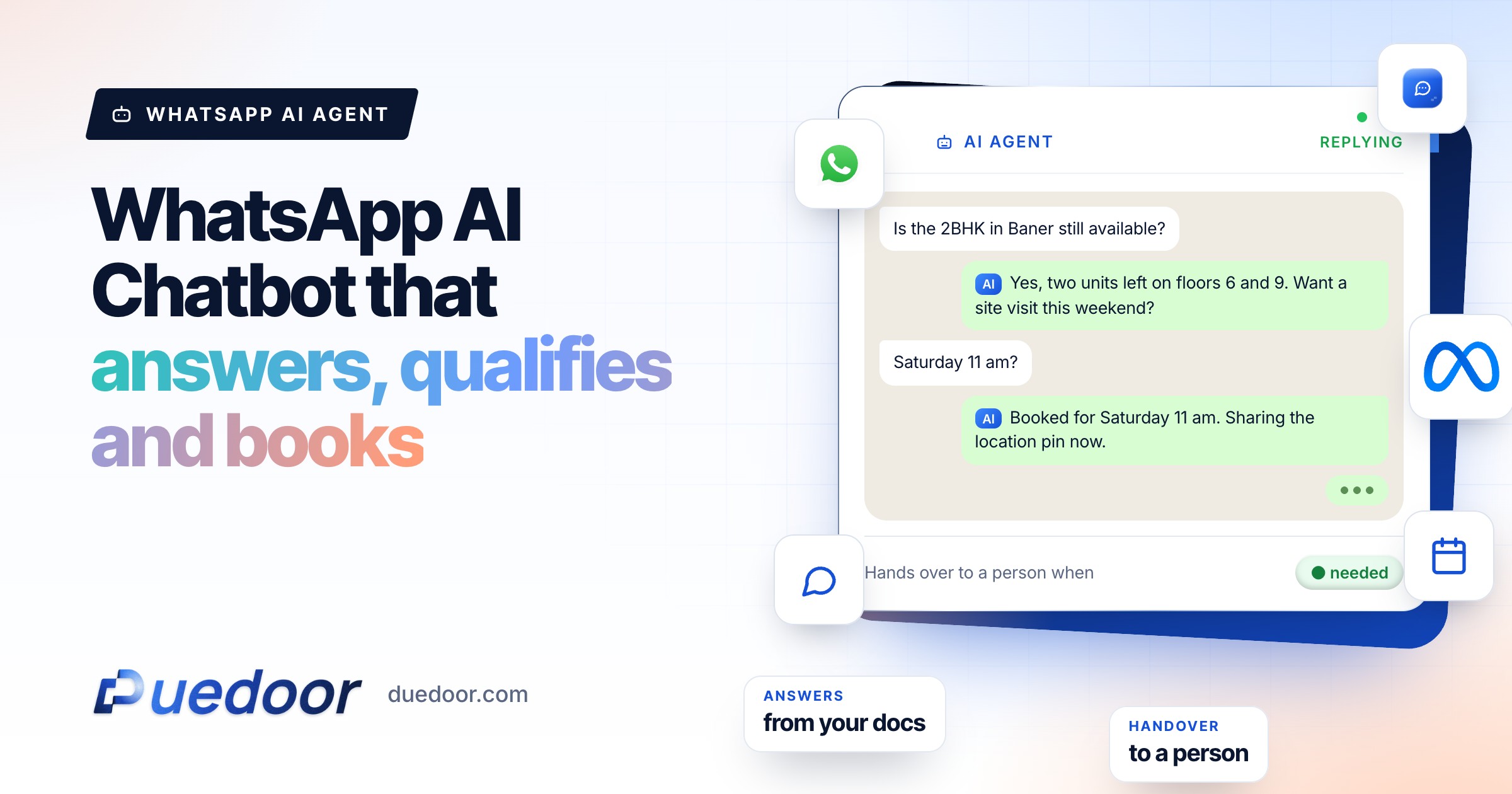
On every chat, the agent can:
- Answer from your content. Brochures, FAQs, PDFs and price lists you upload to its knowledge base. It does not invent a policy you never wrote down.
- Qualify. Ask your questions, in your order: budget, location, timeline, course, treatment, whatever decides whether this is a real lead.
- Share media. Send the right brochure, floor plan or fee sheet when it is asked for.
- Book meetings. Offer slots and confirm a site visit, consultation or call.
- Hand over. Pass the chat to a person with the full history intact on the lead.
It replies in English and Hindi. If your customers write in another language, raise it on the demo and we will tell you plainly what works today.
A button bot vs an AI agent
 Menu botPress 1 for price, 2 for location. Breaks when the customer types a real question.
- Fixed menus and keywords
- Dead ends on free text
- Humans pick up the slack
 AI agentReads the question, answers from your brochures and FAQs, and qualifies as it goes.
- Answers from your knowledge base
- Asks your qualifying questions
- Hands over with full context
AI agent time-saved calculator
See how many hours of repeat questions an AI agent takes off your team, and how many after-hours chats it answers.
Your full report
Recommended plan
Estimate. Assumes 176 working hours a month per person and that the AI answers the repeat questions from your documents.
Send your results to us on WhatsApp, or leave your details. Takes 10 seconds.
How an AI agent differs from button and menu bots
Button bots (“Reply 1 for pricing, 2 for location”) are predictable and cheap to build. They break the moment a customer types a real sentence, which on WhatsApp is most of the time.
| Question | Button or menu bot | DueDoor AI agent |
|---|---|---|
| Customer types “is the 3BHK still available and is parking included?” | Sends the menu again | Answers both parts from your uploaded inventory and FAQ |
| Qualifying | Fixed tree; one wrong tap and the lead drops out | Asks your questions conversationally and records the answers on the lead |
| Changing an answer | Someone rebuilds the flow | Update the document in the knowledge base |
| Best fit | Tracking numbers, simple yes or no choices | Pre-sales questions, qualification, booking |
If you are comparing options for a WhatsApp chatbot for business, ask each vendor to handle three messages your customers actually typed last week. The two approaches are not enemies, either. A good setup often uses a quick-reply button for a single clear choice (“Book a visit” or “Talk to the team”) and lets the AI handle everything typed in free text.
What it should answer, and what it should hand over
The principle DueDoor is built on is simple: an AI agent should be confident about what is written down and humble about everything else. You decide the boundary when you set it up.
Let the AI answer
Published prices and packages, locations, timings, eligibility, documents needed, what is included, how the process works, brochure and media requests.
Pricing edge cases
Discounts, negotiation, custom quotes and “what is your best price?” go to a person. The AI can collect the details first so the rep starts informed.
Complaints
An unhappy customer should reach a human quickly. Instruct the AI to acknowledge, collect the order or booking reference, and hand over rather than argue.
Medical, legal and financial advice
The AI can explain services and book a consultation. It should not diagnose, interpret a legal position or recommend an investment. Those answers belong with a qualified professional.
Our guide on how to train a WhatsApp AI chatbot covers how to write the knowledge base and the “do not answer” rules in detail.
Let the AI answer, or hand it to a person?
AI answers
Prices and plans on your listAvailability, timings, locationBrochures and documentsQualifying questionsBooking a visit or callA person takes over
Pricing edge cases and discountsComplaintsMedical, legal and financial adviceAnything the AI is unsure ofHow handover and “pause AI” work
WhatsApp’s own Business Messaging Policy says automated replies must come with prompt, clear and direct escalation paths, such as transfer to a human agent in the chat.
- The trigger. The AI hands over when the customer asks for a person, when a question falls outside its rules, or when a lead reaches the qualification point you set.
- The alert. The chat is assigned to an owner and the team is notified, so it does not sit unseen.
- Pause AI. From the shared inbox, anyone on the team can pause the AI on that conversation and type the reply themselves. The AI stops replying on that chat while it is paused, so two voices never answer at once.
- Context stays. Every message, answer and shared file stays on the lead in the WhatsApp CRM, so the rep never asks the customer to repeat themselves.
Key point: handover is not a failure of the bot. The AI does the first mile quickly so your people spend their time on the conversations that close.
Short examples by industry
Real estate
A portal lead asks about a 2BHK. The AI shares the brochure and price sheet, asks budget, preferred location and move-in timeline, then offers site visit slots. See WhatsApp CRM for real estate.
Clinics
A patient asks about a procedure and timings. The AI explains the service from your approved content, asks for a preferred date and books the consultation. Clinical questions go to the doctor. See WhatsApp CRM for clinics.
Education
A parent asks about fees and batches. The AI sends the fee sheet, asks class, subject and preferred centre, and books a counselling call. See CRM for education admissions.
Services
An accounting or consulting enquiry. The AI explains packages and documents needed, asks company type and turnover band, and books a call with a partner. See WhatsApp automation for accounting firms.
How setup works with DueDoor
Setup is done with you, not handed over as a login and a help centre link.
- 30-minute demo. We look at your enquiries, your questions and where leads currently get stuck.
- Connect WhatsApp. Your number is connected to the WhatsApp Business Platform through Meta’s embedded signup, along with your lead sources and calendar.
- First knowledge base. We write the AI’s first knowledge base with you from your brochures, FAQs and price lists, plus the qualifying questions and handover rules.
- Test and go live. Your team sends real questions, we tighten the weak answers, then the agent starts on live chats.
The WhatsApp AI agent comes with DueDoor’s AI automation plans, from ₹29,999 a month; the WhatsApp API plan on its own starts at ₹999 a month. Meta’s own WhatsApp charges are billed per Meta’s rate card on top of the DueDoor plan. See pricing for what each plan includes.
Frequently asked questions
Will the WhatsApp AI chatbot make up answers?
It answers from the brochures, FAQs, PDFs and price lists in your knowledge base, and you set rules for topics it must hand over, such as discounts, complaints or medical and legal questions.
Can my team take over a chat from the AI?
Yes. Anyone on the team can pause the AI on a conversation from the shared inbox and reply themselves. The full chat history stays on the lead, and the AI does not reply on that chat while it is paused.
Do I need the WhatsApp Business API for an AI agent?
Yes. DueDoor’s agent runs on the official WhatsApp Business Platform (Cloud API), connected through Meta’s embedded signup. It does not work on the regular WhatsApp or WhatsApp Business app.
Which languages does the AI agent reply in?
English and Hindi. If your customers write in other languages, ask on the demo and you will get a straight answer on what works today.
Is this a WhatsApp automation tool or a CRM?
Both, in one workspace. The AI agent, templates, broadcasts and sequences run inside the same CRM pipeline where every chat is saved on the lead, so automation and follow-up are not split across two tools.
Sources
- WhatsApp: Business Messaging Policy (checked on 18 September 2026)
See the AI agent answer your own enquiries
Bring three real questions your team gets every week and watch how the agent handles them.

