


On this page
Why reply speed decides so much
Ask any sales head how fast to respond to leads and the answer is “as fast as possible”. Ask what their team actually does and the honest answer is usually “within the day, mostly”. The gap between those two answers is where paid leads leak.
Harvard Business Review published research on this back in 2011, titled “The Short Life of Online Sales Leads”. Its summary line is blunt: most companies are “not responding nearly fast enough”. You do not need a statistic to see why. Four things happen while a lead waits:
- Intent fades. The person filled your form because something prompted them right then: an ad, a search, a problem at work. An hour later they are in a meeting or cooking dinner.
- They keep shopping. Someone comparing loan offers or coaching classes usually fills several forms. The first business that has a useful conversation sets the frame for the rest.
- Memory slips. Call a lead the next day and some will not remember your brand, or filling the form at all.
- Your ad data gets worse. Leads that are never reached look like bad leads, so you may cut an ad that was fine and keep one that was not.
Meta says the same in its own guidance for lead ads: minimising the time it takes to follow up can improve lead quality, and it suggests running lead ads during hours when you can connect quickly. The platform selling you the leads is telling you speed matters.
Measure your own lead response time
Before changing anything, get a baseline. Most teams guess their response time and guess low. Pull the last 30 days of leads from your CRM with three fields: when the lead was created, the first outbound touch (call attempt, WhatsApp or email) and the lead source.
- Define first response. The first human or automated message or call attempt after the lead is created. A lead assigned to someone does not count as responded.
- Use the median, not the average. A few leads answered after three days distort an average.
- Bucket the results. Count the share answered within 5 minutes, within 1 hour, same day, and never.
- Split by hour of arrival. This is where the after-hours hole shows up.
- Split by source and owner. A portal that emails leads may be slower than your Meta form, and one salesperson may be carrying the team.
| Metric | How to calculate | What it tells you |
|---|---|---|
| Median first response | Median of (first touch minus lead created) | What a typical lead experiences |
| Within 5 minutes | Leads touched in 5 min divided by all leads | How much of your volume gets you while intent is fresh |
| Never touched | Leads with no outbound activity after 48 hours | Pure waste from your ad spend |
| After-hours share | Leads created outside working hours divided by all leads | How big the night and weekend problem is |
| Contact rate by speed bucket | Leads who replied or answered, per bucket | Whether speed is changing outcomes in your own business |
Speed-to-lead calculator
How much does your reply speed cost you? Set your typical first reply and follow-up habits.
Your full report
Recommended plan
Estimate. Assumes leads cool off as the first reply slows (10% at 30 minutes, up to 50% after a day) and that 1, 2 or 3 follow-ups capture 50%, 70% and 85% of the wins a 5-step follow-up would.
Send your results to us on WhatsApp, or leave your details. Takes 10 seconds.
The after-hours problem
Ads do not stop at 7 pm. People scroll in the evening and on Sundays, so a large share of form fills can land when your team is offline. Those leads get the slowest response of all: a form filled at 9 pm that waits for a 10 am shift has waited 13 hours before anyone says hello.
You can pause ads outside working hours (Meta suggests this if you need immediate follow-up), but you give up evening demand. You can staff a night shift, which is expensive for most SMBs. Or you can let automation make the first contact and qualify, so the morning team starts with warm, sorted leads instead of a cold list. Most teams choose the third.
The speed-to-lead playbook
The aim is not for a machine to replace the salesperson. It is to make sure every lead gets a useful first touch in seconds, and that the right human reaches the right lead quickly.
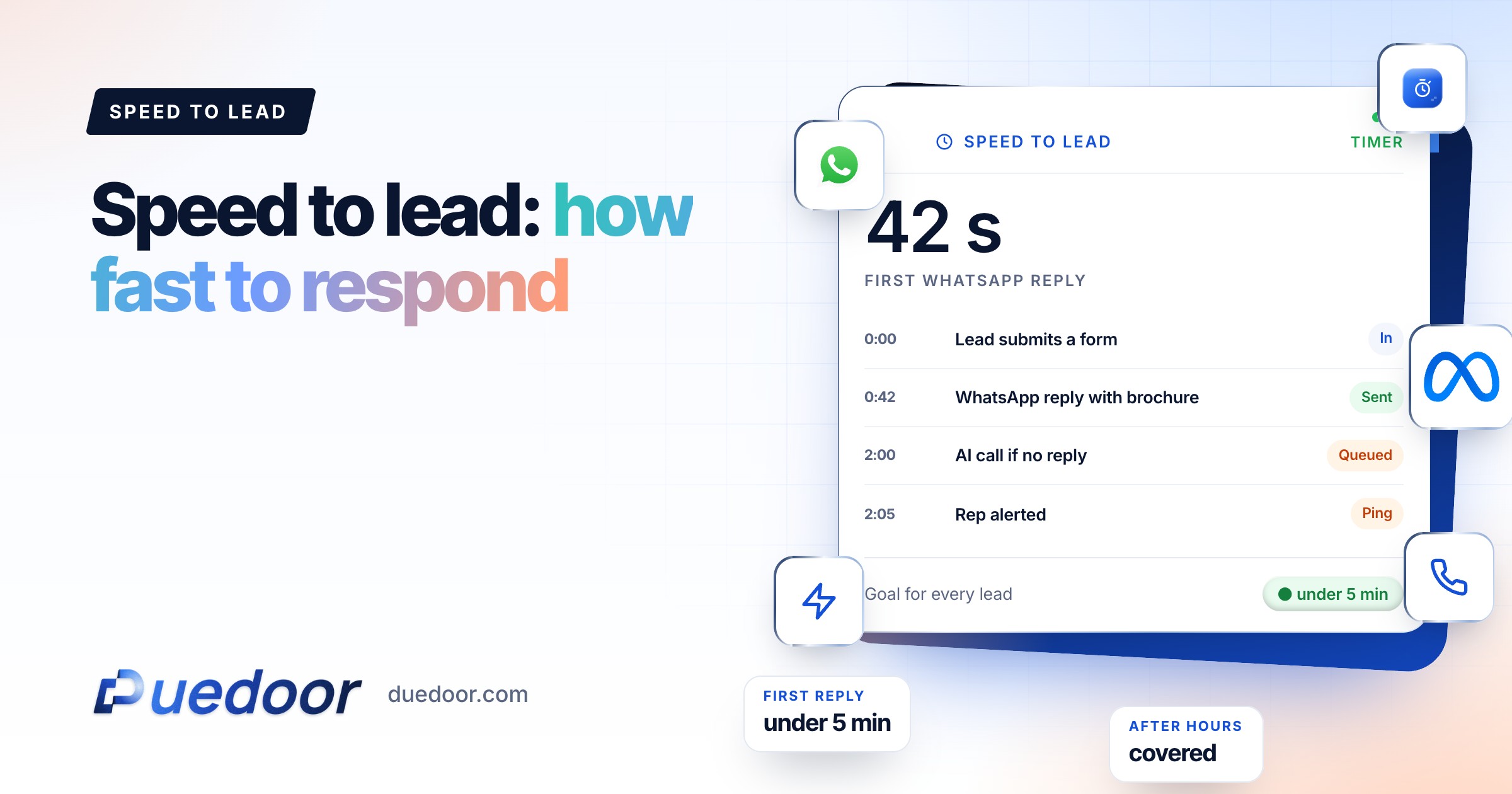
- Instant WhatsApp reply (0 to 30 seconds). When a lead is created, send an approved WhatsApp template that names your business, confirms what they asked about and asks one easy question. A WhatsApp message can be answered on the lead’s own time, which a missed call from an unknown number cannot.
- AI qualifying questions (first 5 minutes). When the lead replies, an AI agent asks your two or three qualifying questions (budget, timeline, location, course), answers basic questions from your own content, and shares a brochure. See how a WhatsApp AI chatbot handles this.
- AI call for high-intent leads (within minutes). For leads that picked a near timeline, or sources that historically convert, place a call within minutes. An AI voice agent can run your script, ask the same questions and save the recording, transcript and outcome on the lead. Call only people who asked to be contacted, at hours your local rules allow.
- Route to a human with context. Qualified leads go to an owner with a summary: what they asked, what they answered, what was promised.
- Follow-up sequence for silence. No reply? A second message a few hours later, a call attempt the next morning, then a final message on day three. Sales outreach automation runs this without anyone setting reminders.
Key point: the instant message buys you time. The lead feels answered, which makes a human callback within the hour land as a continuation, not a cold call.
Worked example: one lead, minute by minute
A home loan broker runs Meta lead ads. A lead fills the form on a Sunday at 9:47 pm, choosing “Home loan balance transfer”.
| Time | What happens | Who |
|---|---|---|
| 9:47:05 pm | Lead lands in the CRM from the Meta form and is tagged with its ad and source | Automation |
| 9:47:20 pm | WhatsApp template: thanks for asking about balance transfer, can you share your current loan amount? | Automation |
| 9:52 pm | Lead replies with the amount. AI asks for the current rate and their city, then explains the documents usually needed | AI agent |
| 9:58 pm | Lead marked qualified by rule (amount above the broker’s minimum). Lead asks for a call tomorrow at 11 | AI agent |
| 9:58 pm | Callback task created for 11:00 am Monday, owner assigned, confirmation sent on WhatsApp | Automation |
| 11:00 am Mon | Adviser calls with the chat summary open. First line: “You shared your loan details last night” | Human |
Without the playbook, that lead sits until Monday morning, gets a cold call after lunch, and has probably spoken to two other brokers by then. With it, the first human conversation starts warm, on the lead’s own schedule. Note that no AI call happened here: the lead asked for a human callback, and the rules respected that.
Rules for the human team
Automation covers the first touch. These rules cover what comes next. Write them down and put them in the CRM as tasks and alerts, not in a WhatsApp group.
- Hot leads: qualified and asked for a call, human callback within 15 minutes during working hours.
- Warm leads: answered questions but no clear timeline, human touch the same working day.
- Silent leads: handled by the follow-up sequence; a human only steps in if they reply.
- Escalation: a hot lead untouched after 30 minutes alerts the team lead; after 2 hours it is reassigned.
- Handover: the moment a human takes the chat, the AI stops on that conversation.
- Review: each week, look at the median response time and contact rate by owner, and the never-touched list.
The principle DueDoor is built on is that the form, the WhatsApp chat, the call and the callback task sit on one lead record in a WhatsApp CRM, so speed can be measured, not guessed. If your leads come from Facebook forms, the setup is covered in Facebook lead ads to WhatsApp.
Frequently asked questions
How fast should you respond to a new lead?
Aim for a first touch in under five minutes for every lead, and a human conversation within the hour for qualified ones. An instant WhatsApp message makes the first target realistic at any hour; your callback rules handle the second.
Does an automated reply count as responding?
It counts as a first touch if it is useful: it names your business, confirms what they asked about and asks a question. A bare “thanks, we will call you” buys a little goodwill but does not start a conversation. Track automated and human first response separately.
What if leads arrive faster than my team can call?
Qualify before you call. Let WhatsApp questions or an AI call sort leads by intent, then give humans the qualified ones first. Meta also suggests scheduling lead ads for hours when you can respond.
Should an AI call every lead instantly?
No. Call leads who asked to be contacted and show high intent, within permitted hours. Some people prefer to chat first, and a call they did not expect can feel intrusive. Let the form or the first WhatsApp reply decide the channel.
How do I measure speed to lead in my CRM?
Export lead created time and first outbound activity time, then calculate the median gap and the share answered within 5 minutes and 1 hour. Split by hour of arrival, source and owner to see where the delays are.
Sources
- Harvard Business Review: The Short Life of Online Sales Leads (March 2011) (checked on 18 September 2026)
- Meta Business Help Centre: Best practices to respond to leads from your lead ads with instant form (checked on 18 September 2026)
See your own response time, then fix it
In a 30-minute demo we map your lead sources and show what the first five minutes could look like.

