


On this page
The short answer
The difference between WhatsApp Business and the WhatsApp Business API is about who does the work. The app is a phone app that one person, or a few people on linked devices, uses to chat by hand. The API (officially the WhatsApp Business Platform) has no app of its own: it is a connection that software uses to send and receive messages for your number, so a team inbox, a CRM, automations and an AI agent can all work on the same conversations.
If one or two people answer every chat and keep up, the app is enough. If ad leads arrive at all hours, several people share the number, or messages should go out on their own when something happens, you have outgrown it.
Who does the work
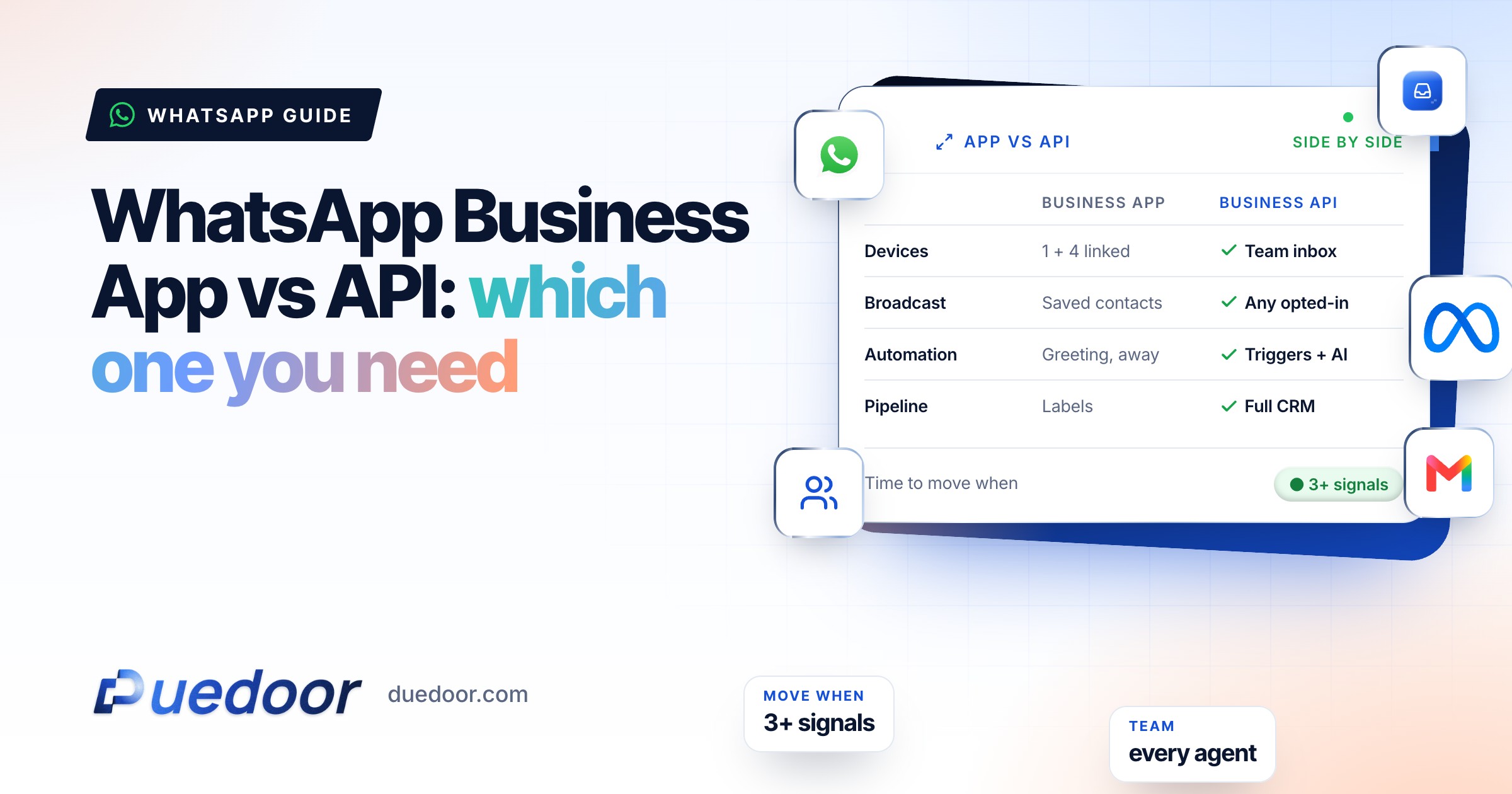
 Business appPeople reply by hand from a phone and up to four linked devices.
- One handset owns the number
- Broadcasts reach saved contacts only
- Greeting and away messages
 Business APISoftware sends and receives for your number, so a team, a CRM and AI share the chats.
- Every agent on their own login
- Templates to anyone who opted in
- Triggers, sequences and an AI agent
Where the app stops
The app is a good tool. It costs nothing to install and gives you a business profile, a catalogue, labels, quick replies, and greeting and away messages. The limits show up when volume or team size grows. These are the ones we checked on WhatsApp’s own Help Center:
| Area | How the app works | Why it matters for sales |
|---|---|---|
| Devices | One phone plus up to four linked devices. Multi-agent raises this to up to 10, as a benefit of a Meta Verified or Meta One subscription. | A team of eight cannot each reply from their own device on the standard app. |
| Primary phone | Linked devices log out if the main phone is unused for over 14 days; new devices are linked from that phone. | The business number depends on one handset and whoever holds it. |
| Broadcast lists | Only contacts who saved your number receive a broadcast. Lists cannot be created on linked devices. | New ad leads rarely save your number, so broadcasts miss them. |
| Marketing messages | In some countries, paid marketing messages (being renamed business broadcasts) reach wider lists, charged per delivered message. | Reach is possible, but manual and not tied to a pipeline. |
| Automation | Greeting message, away message, quick replies. | No triggers from forms or a CRM, no branching, no follow-up sequences. |
WhatsApp rolls features out country by country, so check the pages in the Sources list before deciding on a single number.
What the API adds
Approved templates
Message anyone who opted in, saved number or not. Outside the 24-hour customer service window, an approved template is the only way to start a chat.
A shared inbox
Through a platform, every agent works the same number from their own login, with assignment, notes and full history.
Automation
Messages go out on triggers (new lead, stage change, meeting in two hours) and sequences follow up without anyone remembering to.
Integrations and AI
Ad and website leads start a conversation on their own, and an AI can answer from your brochures and hand over to a person.
The trade-off: Meta provides the connection, not the inbox. You either build on the Cloud API or use a Meta Tech Provider or Solution Partner. The principle DueDoor is built on is that the WhatsApp chat, the call and the pipeline stage belong on one lead record, so nobody copies a phone number between screens. See how that looks on the WhatsApp Business API page.
Cost side by side
Most comparisons set the free app against the API plus software plus Meta’s charges. Here is the honest version.
| Cost item | Business app | Business API |
|---|---|---|
| Access | Free to install | Platform subscription, or your own build on the Cloud API |
| More than four linked devices | Meta Verified or Meta One (multi-agent) | Set by the platform’s seats |
| Replying to customers | No charge | No charge: non-template messages are free inside an open customer service window |
| Messages you start | Broadcast lists free (saved contacts only); marketing messages paid where available | Charged per delivered template by category and country (per-message pricing since 1 July 2025); utility templates inside an open window are free |
For Indian rates and a sample monthly bill, see WhatsApp Business API pricing in India, and check Meta’s current rate card before budgeting.
When to stay, when to move
Stay on the app if
- One or two people handle every chat and are usually online when customers write.
- Most customers are repeat buyers who already saved your number.
- You run no lead ads, or few enough that someone replies within minutes.
If that is you, tidy the app instead: quick replies for your top ten questions, a greeting and away message, and labels as a simple pipeline (new, quoted, won).
Move to the API if three or more of these are true
- Ad leads sometimes wait hours for a first reply.
- More people need to answer than the app’s devices allow, or chats get lost between phones.
- Follow-ups depend on memory, and quotes go quiet.
- Enquiries arrive at night and on Sundays.
- You want to know which ad and which agent produced a sale.
- The business number lives on one staff member’s handset.
Key point: the API is not a bigger app. It connects WhatsApp to the rest of your sales process. If there is no process to connect it to yet, fix that first.
App or API readiness check
Tick the signals that match your team. Three or more means it is time to move.
Your full report
Recommended plan
Three or more signals usually means the API pays for itself.
Send your results to us on WhatsApp, or leave your details. Takes 10 seconds.
Coexistence: app and API on one number
Moving to the API used to mean giving up the app on that number. Meta now offers coexistence: a business onboards its existing app number to the Cloud API through Embedded Signup and keeps using the app for one-to-one chats. Meta’s developer documentation says:
- The app must be version 2.24.17 or higher, and onboarding is done by a Solution Partner or Tech Provider.
- With consent, messages from the previous 180 days can be synced, and history stays in sync between app and API.
- Throughput is fixed at 20 messages per second.
- Broadcast lists are disabled, disappearing and view-once messages are turned off in one-to-one chats, groups are not synced, and WhatsApp for Windows and WearOS are not compatible.
It suits an owner who likes replying from the phone but wants templates and automation for volume. If the team will live in a shared inbox anyway, a clean move is simpler. Ask your provider whether they support coexistence for your number.
Worked example and how to switch
A coaching institute with three counsellors
An institute runs admissions ads on Instagram. About 40 form leads arrive a day, a third after 8 pm. Three counsellors share one phone and two linked laptops. On the app, evening leads wait until morning, follow-ups fall between devices, and the fee-reminder broadcast misses every lead who never saved the number.
On the API, each form lead gets an approved template within seconds asking which course and batch they want. Replies land in a shared inbox, assigned by course. Non-responders get one follow-up next morning. The counsellors still chat by hand; they just stop losing chats. Template charges are real, so the institute budgets them per lead, not per month.
- Choose coexistence or a clean move. Use the section above.
- Verify the business. Keep your Meta business portfolio, legal name and website ready.
- Connect through Embedded Signup. Your provider opens Meta’s flow and you pick the WhatsApp Business account.
- Write three templates. A lead welcome, a follow-up and a meeting reminder.
- Wire the lead sources. Ad and website forms should start a conversation on their own.
The full walkthrough is in how to move your WhatsApp number to the Business API. With DueDoor, setup is done with you after a 30-minute demo; plans are on the pricing page, starting at ₹999 a month.
Frequently asked questions
Can I use the same number on the WhatsApp Business app and the API?
Yes, through Meta’s coexistence option, if your provider supports it and your app is version 2.24.17 or higher. Broadcast lists, disappearing and view-once messages are switched off on that number, and throughput is fixed at 20 messages per second.
Is the WhatsApp Business API free?
Replies inside the 24-hour customer service window are free under Meta’s pricing, as are utility templates sent inside an open window. Templates that start a conversation are charged per delivered message, and the platform you use has its own fee.
How many people can use the WhatsApp Business app at once?
One phone plus up to four linked devices, or up to 10 devices with multi-agent through a Meta Verified or Meta One subscription. On the API, the limit is your platform’s seats.
Do I lose my chat history if I move to the API?
On a clean move the number leaves the app, so back up chats first; they do not carry into the platform. With coexistence, the provider can sync the previous 180 days with your consent.
Can I send bulk messages on the WhatsApp Business app?
Broadcast lists reach only contacts who saved your number, and paid marketing messages reach wider lists in some countries. On the API, approved templates go to anyone who opted in, charged per delivery.
Sources
- WhatsApp Help Center: About linked devices on the WhatsApp Business app (checked on 18 September 2026)
- WhatsApp Help Center: About multi-agent (checked on 18 September 2026)
- WhatsApp Help Center: How to use broadcast lists on the WhatsApp Business app (checked on 18 September 2026)
- WhatsApp Help Center: About marketing messages (checked on 18 September 2026)
- Meta for Developers: Onboard WhatsApp Business app users (checked on 18 September 2026)
- Meta for Developers: WhatsApp Business Platform pricing (checked on 18 September 2026)
Not sure the API is worth it yet?
Bring your lead volume and team size to a 30-minute demo and get a straight answer, including when the app is enough.

