


On this page
What goes wrong at the front desk today
Most clinics do not have a lead problem. They have a front desk doing four jobs at once.
- The evening enquiry waits until the next afternoon. Someone asks about aligners on your Instagram ad at 9 pm. The front desk phone is off. By the time anyone replies, the patient has booked with the clinic that answered first.
- Booked slots go empty. An appointment is fixed on a call, nobody sends a reminder, and the chair sits idle while a patient who wanted that slot was told the day was full.
- Treatment plans stop halfway. A three-sitting procedure becomes one sitting because the patient got busy and nobody had a list of who was due back.
- The lab phone never stops. Half the calls are “is my report ready?”, and the person answering them is also the person registering walk-ins.
- At a hospital, speciality enquiries have no owner. A knee replacement enquiry from a Google ad lands at general reception, moves between departments, and marketing never learns whether the campaign brought a single consultation.
- Reviews are asked for out loud, and rarely left.
No-show cost calculator
See what missed appointments cost your clinic each month and how much reminders could keep.
Your full report
Recommended plan
Estimate. Assumes WhatsApp reminders with one-tap reschedule recover about a third of no-shows.
Send your results to us on WhatsApp, or leave your details. Takes 10 seconds.
How DueDoor handles an enquiry, from first message to booked appointment
DueDoor is a WhatsApp CRM with AI built in. It is not a practice-management system or an EMR. It handles the part before and around the visit: the enquiry, the booking conversation, reminders and recalls. Clinical records stay in your clinical software.
- The enquiry lands in one pipeline. Meta and Google Ads lead forms, website forms and WhatsApp messages arrive in one place. Duplicate-safe phone matching keeps a returning patient on one record.
- The AI replies on WhatsApp at once. The WhatsApp AI agent answers from the clinic information you upload: timings, branches, consultation fees, which days a specialist sees patients, what to bring. It replies in English or Hindi.
- Anything clinical goes to a person. The AI is set up to hand over questions about symptoms, medicines or results rather than answer them. Staff can pause the AI on any chat and reply from the shared inbox.
- The appointment is booked. Either the patient picks a slot from a booking link, or your front desk books it in your existing system and moves the lead to “Appointment booked”. Either way, a WhatsApp confirmation goes out.
- Unanswered enquiries get a call. If an ad lead does not reply, the AI voice agent calls to offer a slot and asks only what booking needs: preferred branch, day and time. The outcome and summary are saved on the lead.
- The right team owns it. An automation assigns the lead by branch or department and notifies that team.
- After the visit, recalls and reviews run on schedule. Stage changes start the next message, so nobody has to remember.
Automations clinics use
New enquiry
Trigger: new lead. Message: “Hi, thanks for contacting us. You can pick a convenient slot here, or reply with a preferred day and our team will confirm.” Timing: immediately; wait 30 minutes; if there is no reply, start an AI call; if that is not answered, create a call task for the front desk.
Appointment reminder
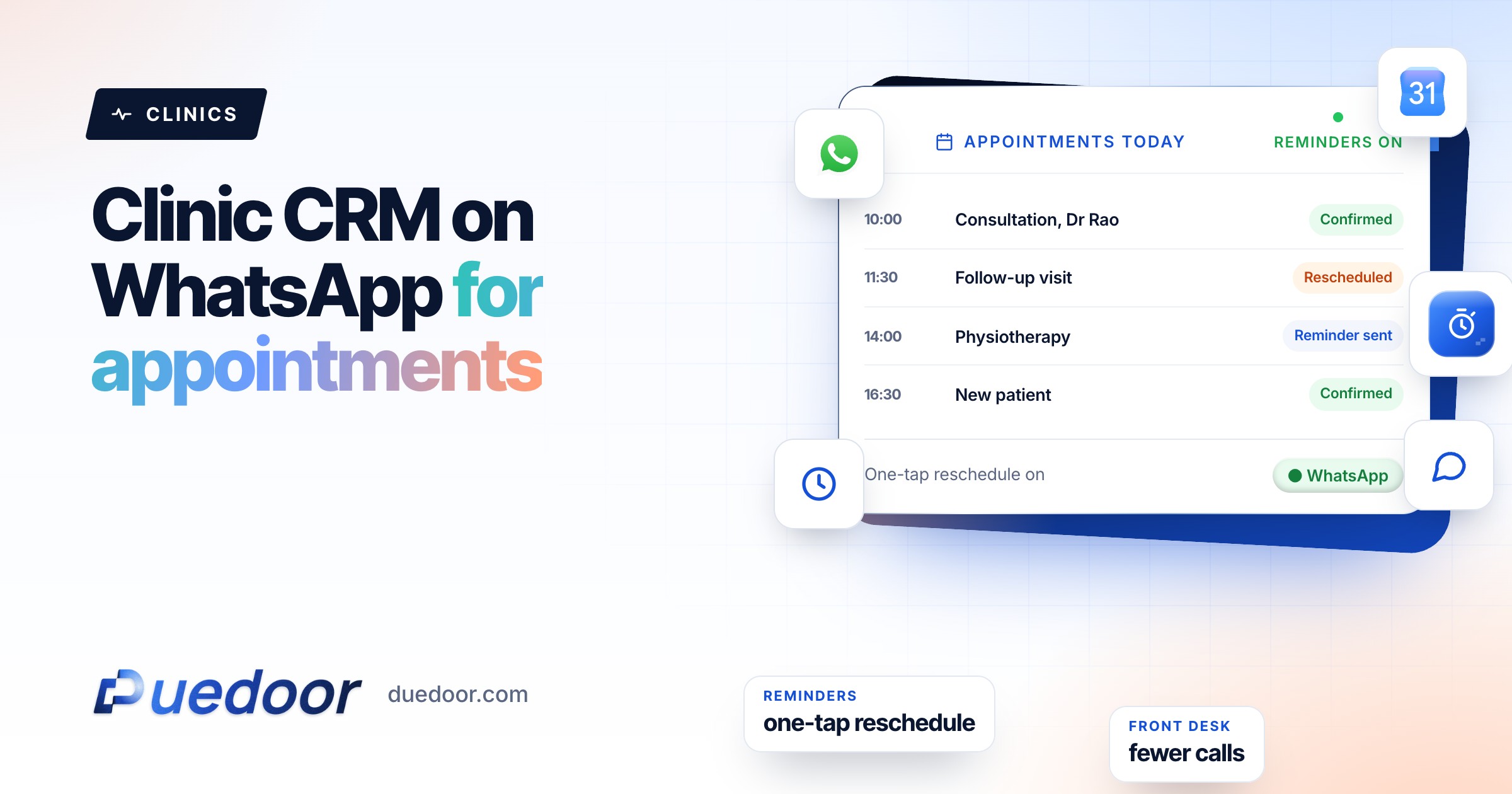
Trigger: appointment booked. Message: confirmation with date, time, branch address and a map link, then a reminder asking the patient to reply if they need to reschedule. Timing: confirmation at once, reminder before the appointment. Replies land in the shared inbox for the front desk.
Treatment-plan recall
Trigger: lead moved to “Plan in progress”. Message: “It is time to book your next appointment with us,” with the booking link. No procedure named. Timing: wait the interval your doctor sets (for example 14 days); if no booking follows within three days, create a call task.
Report ready (labs)
Trigger: staff move the patient to “Report ready”. Message: “Your report is ready. You can collect it at the counter or use the link we shared at registration.” No test name, no result. Timing: at once.
Review request
Trigger: lead moved to “Visit completed”. Message: a thank-you with your Google review link. Timing: a few hours after the visit, once only.
Hospitals running ads can add one more: when a lead is marked qualified, send it back to Google Ads as an offline conversion, so bidding learns from real consultations. More on this for hospitals, dental clinics and pathology labs.
Patient privacy: how to set it up carefully
Health information is sensitive, and WhatsApp messages show up on lock screens and shared family phones. The principle DueDoor is built on is that the tool should make the careful option the easy one. In practice:
- Keep clinical details out of templates. Write “your appointment” and “your report”, never the condition, procedure, test or result. Templates are reused across many patients, so they should carry nothing specific to one person’s health.
- Get consent before you message. Collect WhatsApp opt-in at registration or booking, send broadcasts only to opted-in lists, and stop messaging anyone who asks.
- Restrict access by role. Front desk, doctors and marketing need different views. DueDoor’s roles and access control decide who sees which conversations, and the audit log records what each user did.
- Keep patient records out of the AI. The knowledge base is for clinic information: timings, fees, branches, preparation instructions. Do not upload patient files to it.
- Do not send reports in bulk messages. Tell patients a report is ready and let them collect it through your own process.
Key point: check your obligations under Indian data protection law with your own adviser. Enterprise plans can include a custom DPA.
What to set up first
- List where enquiries come from today: ads, Google profile, website, walk-in, phone.
- Write the clinic information sheet: timings per branch, fees, doctors’ days, preparation instructions, parking.
- Decide what the AI must always hand over (anything about symptoms, medicines, results, pricing exceptions).
- Get four templates approved: enquiry reply, appointment confirmation, reminder, recall.
- Set roles for front desk, doctors and marketing before you invite the team.
- Start collecting WhatsApp opt-in at registration.
Frequently asked questions
Is DueDoor a practice-management system or EMR?
No. DueDoor handles enquiries, booking conversations, reminders, recalls and follow-up on WhatsApp and calls. Your clinical records, billing and prescriptions stay in the clinical software you already use.
Can it send appointment reminders on WhatsApp automatically?
Yes. When a patient books through a DueDoor booking link, or your team moves the lead to a booked stage, a WhatsApp confirmation goes out and a reminder follows before the appointment, using templates approved by Meta.
Will the AI give medical advice?
It should not, and it is set up not to. The AI answers from the clinic information you upload, such as timings, fees and preparation instructions, and hands questions about symptoms, medicines or results to your staff.
Can each branch or department have its own queue?
Yes. Automations can assign leads by branch or department and notify that team, and roles control who sees which conversations. Groups that need fully separate workspaces can use multiple workspaces on the Enterprise plan.
How much does a clinic CRM from DueDoor cost?
Plans are published: the WhatsApp API plan is ₹1,599 a month, ₹1,299 a month paid quarterly or ₹999 a month paid yearly, and AI automation plans are ₹29,999 and ₹49,999 a month, with custom Enterprise plans above that. AI calling is priced separately, and Meta’s WhatsApp charges are billed on top through a prepaid wallet. See pricing for what each plan includes.
See your front desk’s day, automated
On the demo we map your enquiry, booking and recall flow, and show where the gaps are.

