


On this page
What goes wrong in a property sales team today
Ask a sales head at a builder or a brokerage about a normal weekend. The leads are rarely the problem. The follow-up is.
- The call back happens six hours late. A 99acres enquiry comes in at 11 am on Saturday. The manager is at the site and the telecallers are busy with walk-ins. Someone calls at 5 pm. By then the buyer has enquired on three other projects and agreed to visit one of them.
- The same buyer is called twice. They filled your Meta form on Tuesday and a MagicBricks enquiry on Thursday. Two executives call, one quotes last month’s price, and the buyer stops answering both.
- Brochures go out from personal phones. When an executive leaves, the chats and often the buyer leave with the phone.
- Site visits are booked on a call and then forgotten. Nobody sends the location pin or a reminder the evening before. The buyer does not turn up.
- Last quarter’s leads sit in an Excel sheet. A new tower launches and not one of those people hears about it.
- Channel partner leads have no record. They arrive on WhatsApp groups, and months later nobody can show who sourced the booking.
None of this is a people problem. It is what happens when leads arrive on five channels and the only system is a phone and a spreadsheet.
Property lead leak calculator
Put in your numbers to see how many buyer enquiries slip away between the first reply and the last follow-up.
Your full report
Recommended plan
Estimate. Assumes leads cool off as the first reply slows (10% at 30 minutes, up to 50% after a day) and that 1, 2 or 3 follow-ups capture 50%, 70% and 85% of the wins a 5-step follow-up would.
Send your results to us on WhatsApp, or leave your details. Takes 10 seconds.
How DueDoor handles a lead, from first message to booked site visit
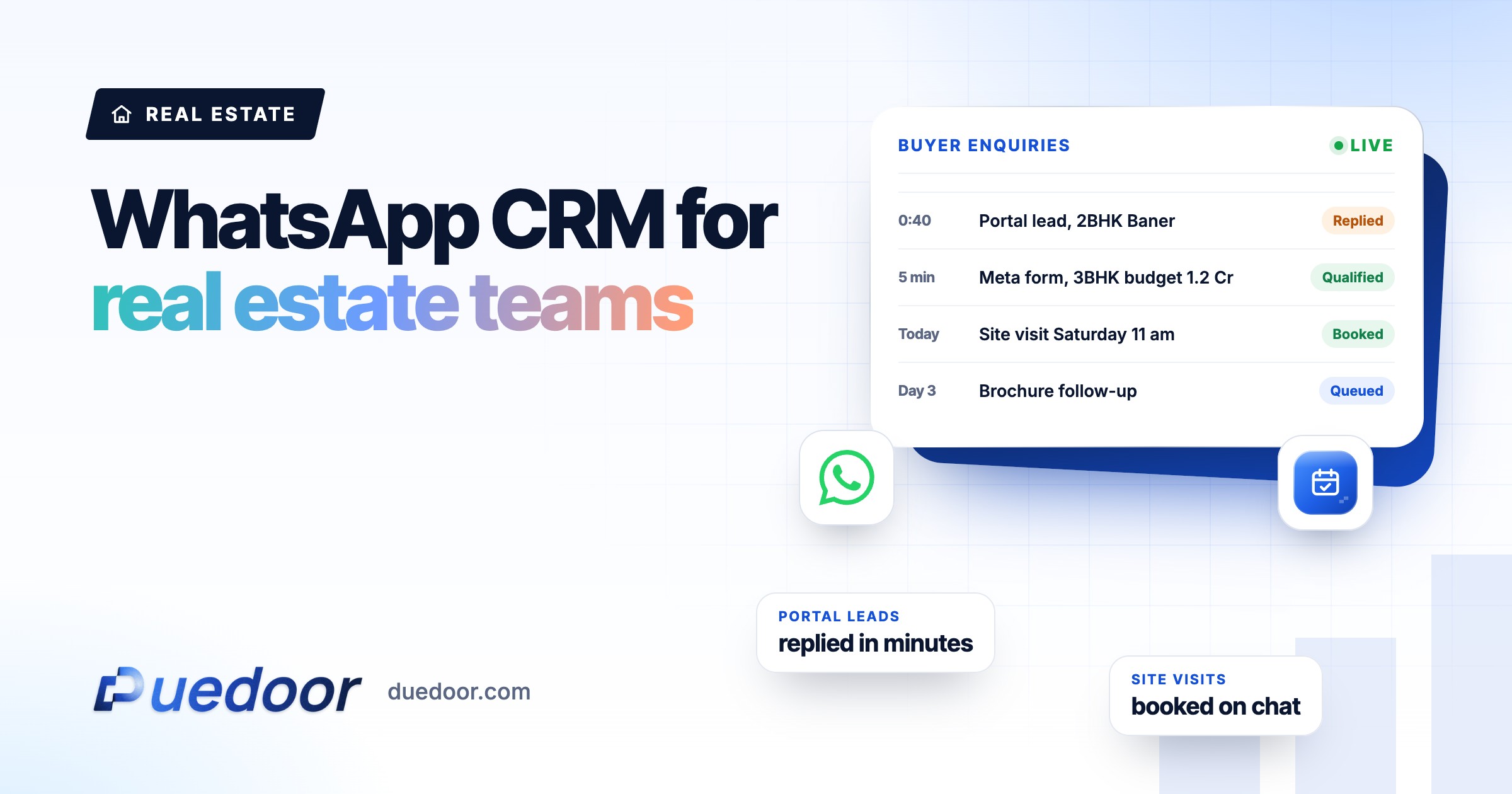
DueDoor is a WhatsApp CRM: WhatsApp, AI calling, the pipeline and the automations live in one workspace. Here is the path a single enquiry takes.
- The lead lands in one pipeline. Meta lead forms, Google Ads lead forms and website forms flow in on their own. Portal leads can be imported; the best ongoing route for your 99acres, MagicBricks or Housing.com account is checked on the demo, because it depends on what the portal gives you. Phone matching is duplicate-safe, so the Tuesday form and the Thursday enquiry become one buyer with one history.
- A WhatsApp message goes out straight away. An approved template from your official business number: the project name, the brochure, and one question, such as self-use or investment.
- The AI agent answers from your own documents. The WhatsApp AI agent answers carpet area, configuration and payment plan questions from your brochure, price sheet and FAQ, in English or Hindi, and hands the chat to a person when it should.
- An AI call qualifies the buyer. If the buyer does not reply, the AI voice agent calls and runs your script: budget, preferred location, configuration, timeline, and whether they need a home loan. The recording, transcript, a short summary and the outcome are saved on the lead.
- The lead goes to the right executive. An automation assigns the owner by project, notifies them, and creates a task.
- The site visit is booked and reminded. The buyer picks a slot from a booking link. They get a WhatsApp confirmation with the site address and map link, and a reminder before the visit.
- After the visit, the follow-up runs itself. The executive adds notes and moves the stage. The next step is set in the automation, not left to memory.
Our guide on following up real estate portal leads goes deeper into the first hour.
Automations that run the follow-up
Built in the visual flow builder. Each is a trigger, a message and a timing you control.
New lead, no reply in 15 minutes
Trigger: new lead from any source. Message: “Hi, thanks for your enquiry on the project. Here is the brochure and floor plans. Are you looking at 2 BHK or 3 BHK, and when do you plan to move?” Timing: sent immediately; wait 15 minutes; if there is no reply, start an AI call; if the outcome is interested, assign the project owner and create a call task.
Site visit confirmation and reminder
Trigger: visit booked. Message: confirmation with date, time, site address and map link, then a reminder with a line to reply if they need to reschedule. Timing: confirmation at once, reminder ahead of the slot (many teams choose the evening before).
Missed visit
Trigger: the executive moves the lead to “Visit missed”. Message: “Sorry we missed you today. Pick another time here,” with the booking link. Timing: the same evening; if no new slot is booked in two days, create a call task for the owner.
Cold lead, new launch
Trigger: stage changed to “Cold”. Message: an update on new inventory, a price revision or a launch offer, only to buyers who opted in to WhatsApp. Timing: wait 30 days, then send; any reply goes to the AI agent and the owner.
Qualified signal back to Google Ads
Trigger: lead became qualified. Action: send the lead back to Google Ads as an offline conversion. Timing: as soon as the stage changes, so bidding learns from buyers who fit, not from every form fill.
Builders, brokers and channel partners use it differently
| Team | Where leads come from | What to set up first |
|---|---|---|
| Builders and developers | Meta and Google campaigns per project, website, portals | Assignment by project, AI call script per project, visit reminders |
| Brokers and agencies | Portals, referrals, walk-ins, listings across many projects | Duplicate-safe matching, a knowledge base per listing set, cold lead nurture |
| Channel partners | Their own ads and networks, shared with developers | Partner name in the lead notes, owner rules, a clean activity history |
More detail for each: CRM for property developers and CRM for real estate agencies.
What to set up first
- List every lead source (each portal, each Meta and Google campaign, the website, walk-ins) and who owns it today.
- Collect the current brochure, price sheet, floor plans, payment plan and FAQ for each project. This becomes the AI’s knowledge base.
- Write down the five questions your best closer asks on the first call. That is the AI call script.
- Decide the assignment rule: by project, by locality, or in rotation.
- Get four templates approved: welcome with brochure, visit confirmation, visit reminder, missed visit.
- Clean the old lead sheet and keep only people who opted in to WhatsApp before you send any broadcast.
Key point: setup is done with you. After the demo, DueDoor connects your WhatsApp number, lead sources and calendar, and writes the first knowledge base and call script with your team.
Frequently asked questions
Can DueDoor pull leads from 99acres, MagicBricks and Housing.com automatically?
Meta lead forms, Google Ads lead forms and website forms come in automatically. Portal leads can be imported into the pipeline, and the right way to bring a particular portal account’s leads in on an ongoing basis is checked on the demo, since it depends on what that portal makes available to you.
Will the AI quote the wrong price?
The AI answers from the documents you upload, so it quotes whatever your current price sheet says. When prices change, replace the sheet. If a question is not covered, it hands the chat to your team, and anyone can pause the AI on a conversation from the inbox and reply themselves.
Does the AI call work in Hindi?
Yes. The AI voice agent and the WhatsApp AI agent work in English and Hindi. For other languages, ask on the demo.
Can executives see only their own leads?
DueDoor has roles and access control for teams plus an audit log, so an admin decides what each person can see and do. We set up the permissions for your team structure during onboarding.
How much does a real estate CRM from DueDoor cost?
Plans are published: the WhatsApp API plan is ₹1,599 a month, ₹1,299 a month paid quarterly or ₹999 a month paid yearly, and AI automation plans are ₹29,999 and ₹49,999 a month, with custom Enterprise plans above that. AI calling is priced separately, and Meta’s WhatsApp charges are billed on top through a prepaid wallet. See pricing for what each plan includes.
See your own leads run through it
Bring a recent lead list to the demo and see the first hour of follow-up, message by message.

