



On this page
What goes wrong for an online store today
The shopper who messages you is usually close to buying. They have one question left, and the store that answers it first gets the order.
- Pre-purchase questions wait hours. “Is M a snug fit?”, “Do you deliver to Guwahati?”, “Is COD available?” arrive at 10 pm from an Instagram ad. The one person handling chats answers them the next morning, after the shopper has bought elsewhere.
- Instagram DMs and WhatsApp are two separate inboxes. Nobody can see that the same person asked on both.
- Broadcasts go out from a phone. A new collection is announced from the WhatsApp Business app to a broadcast list, the reach is patchy, and there is no record of who opted in.
- Ad leads are collected and never contacted. A Meta lead form for a sale or a waitlist fills up, the sheet is downloaded once, and that is it.
- Past buyers are forgotten. The easiest second sale is to someone who already liked the first order, and most stores never message them again.
Abandoned cart recovery calculator
See how much revenue sits in abandoned carts and what WhatsApp reminders could bring back.
Your full report
Recommended plan
Estimate. Assumes WhatsApp reminders recover 10% of abandoned carts; your result depends on offer and timing.
Send your results to us on WhatsApp, or leave your details. Takes 10 seconds.
How DueDoor handles a shopper, from first question to purchase
- The shopper starts a chat. From a click-to-WhatsApp ad, your website, an Instagram DM (Instagram automation is on the Business plan) or a Meta lead form. Each becomes a contact in one pipeline, with duplicate-safe phone matching.
- The AI answers from your store content. The WhatsApp AI agent answers from what you upload: size guides, fabric and care notes, product specs, delivery and return policies, COD rules. It answers in English or Hindi and does not invent a policy you have not written down.
- It shows the product. Catalogue messages and media let the AI or your team share the right products in the chat, with a link to buy on your store.
- A person takes over when needed. Bulk orders, custom sizing, complaints and anything outside your content go to the shared team inbox. Your team can pause the AI on any chat and reply themselves.
- The shopper joins your opted-in list. With consent, they receive new collections, restocks and sale announcements by broadcast.
How well the AI answers depends on the content you give it. Our guide on training a WhatsApp AI chatbot covers what to upload.
Automations stores use
Pre-purchase question
Trigger: message received. Action: the AI answers from your content and shares matching products. Timing: immediately, day or night; if the shopper asks for bulk or custom orders, assign the chat to a person and notify the team.
Ad lead follow-up
Trigger: new lead from a Meta lead form. Message: “Thanks for signing up. Here is the new collection, with early access for you,” with catalogue items. Timing: immediately; if there is no reply in two days, one follow-up with a different product; then stop.
New collection broadcast
Trigger: a broadcast to an opted-in segment, such as past buyers of one category. Message: the launch, three products and a link. Timing: once per launch, sent to segments rather than everyone, and never more often than customers asked for.
Win-back drip
Trigger: a contact is added to your “Past buyers” list. Message: a thank-you, then a care tip for the product, then new arrivals in the same category. Timing: a drip sequence spread over several weeks, only to customers who opted in.
Broadcasts affect your number’s quality rating. Read WhatsApp API messaging limits and quality rating before your first big send, and WhatsApp Business API pricing in India for how Meta charges per message.
Order events: what needs your store platform
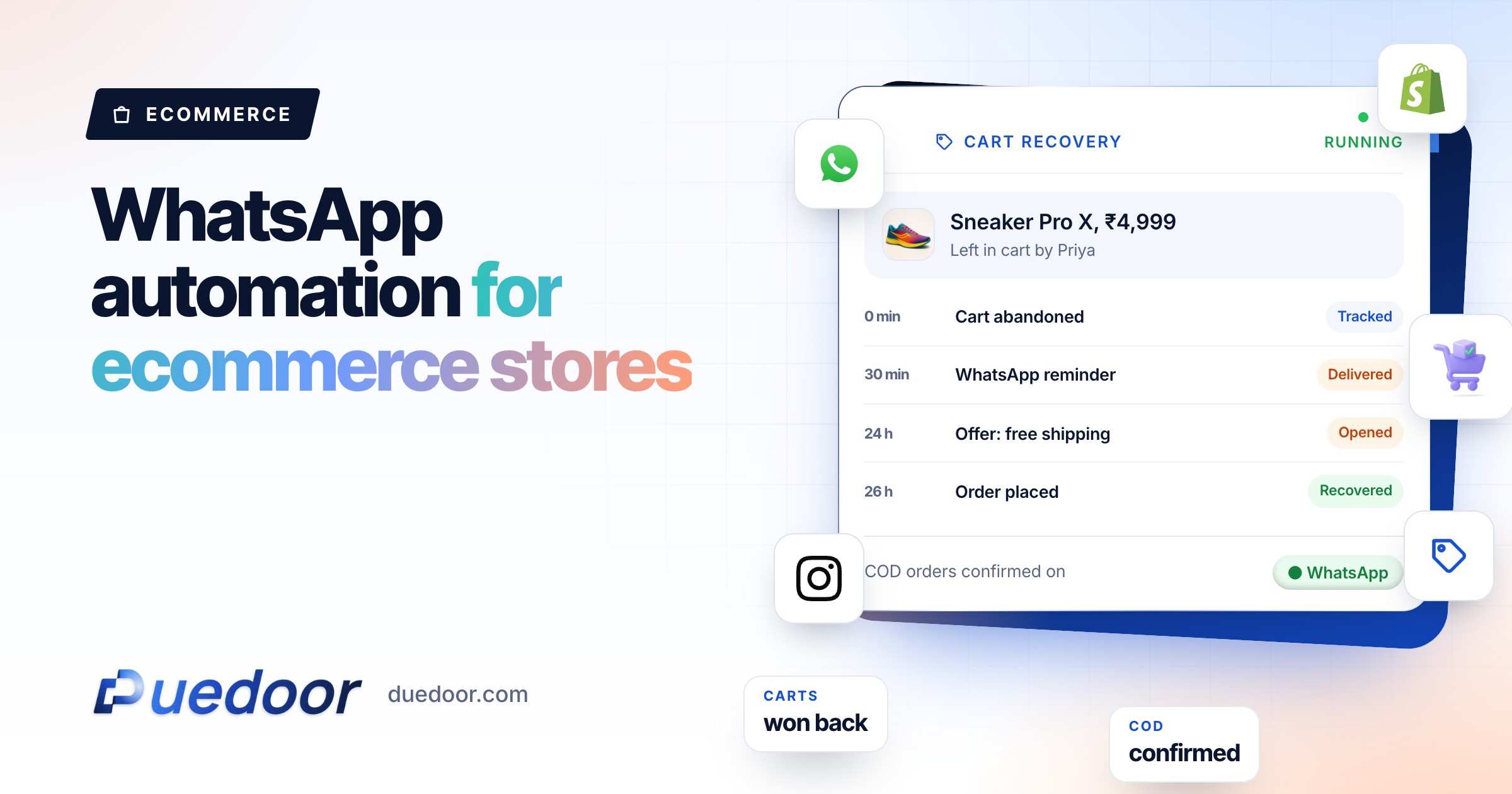
Order confirmations, COD confirmation, shipping updates and abandoned-cart recovery are different from the flows above. They start from something that happens in your store, not in a chat. For DueDoor to send them, your store platform has to send those order events to DueDoor.
Key point: whether your store can send order events to DueDoor, and which messages that makes possible, is checked on the demo against your platform and setup. If order messages are your main need, raise it first.
What works without any store connection: the AI answering questions, catalogue messages, the shared inbox, ad lead follow-up, and broadcasts and drips to opted-in lists.
What to set up first
- Write down your size guide, delivery areas and timelines, COD rules, return and exchange policy, and top 20 questions. This is the AI’s knowledge base.
- Decide what always goes to a person: complaints, refunds, bulk and custom orders.
- Connect the Meta lead forms and click-to-WhatsApp ads you already run.
- Get templates approved: lead welcome, launch announcement, win-back.
- Start collecting WhatsApp opt-in at checkout and in chat.
- Bring your order-event requirements to the demo, so the store connection question is answered early.
Store-type detail: clothing boutiques and electronics stores.
Frequently asked questions
Is there a DueDoor app for Shopify or WooCommerce?
No, DueDoor does not offer a native Shopify or WooCommerce app. Messages that depend on order events, such as order confirmation, COD confirmation or cart recovery, need your store platform to send those events to DueDoor, and we check what your setup can do on the demo.
Can the AI answer size and delivery questions?
Yes, from the content you upload, such as size guides, product details and delivery and return policies. If the answer is not in your content, it hands the chat to your team.
Can I broadcast to all my customers on WhatsApp?
Only to customers who opted in to WhatsApp messages, using templates approved by Meta. Sending to people who did not ask for messages leads to blocks and reports, which lower your number’s quality rating. Meta’s message charges are billed on top of your DueDoor plan.
Does it work with Instagram DMs?
Instagram automation is included on the Business plan, so Instagram conversations can sit alongside WhatsApp in the same workspace. We show the exact DM flows on the demo.
How much does it cost?
Plans are published: the WhatsApp API plan is ₹1,599 a month, ₹1,299 a month paid quarterly or ₹999 a month paid yearly, and AI automation plans are ₹29,999 and ₹49,999 a month, with custom Enterprise plans above that. Meta’s WhatsApp charges are billed on top through a prepaid wallet. See pricing.
Answer every shopper while they are still deciding
Bring your size guide and top questions to the demo and see the AI answer them.

