


On this page
What a messaging limit is now
A WhatsApp Business API messaging limit is the maximum number of unique WhatsApp users your business can deliver messages to outside a customer service window in a moving 24-hour period. In plain terms: how many people you can start a conversation with, by template, per day. Replies to people who messaged you in the last 24 hours do not count.
Meta changed two things on 7 October 2025, and many guides still describe the old model:
- Limits belong to the business portfolio, not the number. Every phone number in the portfolio shares one limit, and a newly registered number gets the portfolio’s limit immediately.
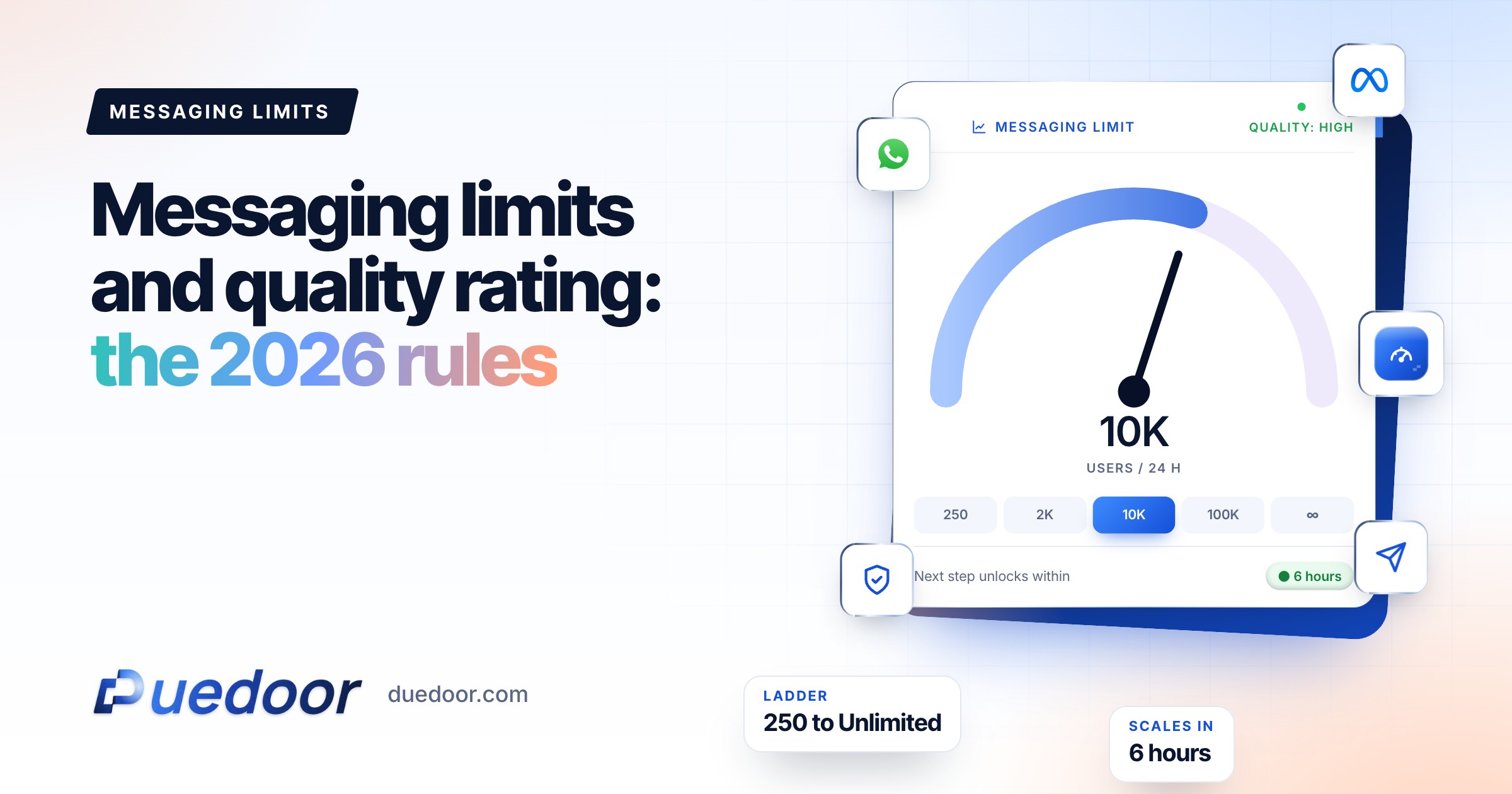
- The ladder changed. New portfolios start at 250. The next steps are 2,000, 10,000, 100,000 and unlimited.
| Level | How you get there |
|---|---|
| 250 | Starting limit for a new business portfolio |
| 2,000 | Complete a scaling path, then pass Meta’s quality review |
| 10,000 | Automatic scaling |
| 100,000 | Automatic scaling |
| Unlimited | Automatic scaling |
You can see your current level in WhatsApp Manager under Account tools, Messaging limits.
The messaging limit ladder
Unique users you can start conversations with, per moving 24 hours. Shared by every number in the portfolio.
WhatsApp number health check
Answer five questions to score your number and get the fixes that keep your limit climbing.
Your full report
Recommended plan
A guide based on Meta rules as of September 2026, not an official Meta score.
Send your results to us on WhatsApp, or leave your details. Takes 10 seconds.
How to move up
From 250 to 2,000: pick one scaling path
- Verify your business in Meta Business Suite.
- Have your provider verify your business, if a partner onboarded you.
- Deliver 2,000 messages outside customer service windows to unique users within a 30-day moving period, using templates with a high quality rating.
Meta then reviews your message quality and approves or denies scaling; a denial alert names the path to try next.
From 2,000 upward: automatic scaling
Meta raises your limit one level when two things are true: you are sending high-quality messages across all your phone numbers and templates, and in the last 7 days you used at least half of your current limit. The increase happens within 6 hours. So a portfolio at 2,000 that has used 1,000 or more of its limit within the last 7 days, with good feedback, moves to 10,000; one that never passes 300 a day stays where it is, however clean its record.
Grow into limits with steady, well-received sends to opted-in lists; one huge blast to a cold list is the fastest way to stall.
Phone number quality rating
Meta’s Help Center describes the WhatsApp quality rating as a rating based on the messages your customers received over the past 7 days, determined by feedback such as the reasons people blocked your number and other reports. WhatsApp Manager shows it as:
- Green: high quality
- Yellow: medium quality
- Red: low quality
When someone blocks your business they can choose a reason: no longer needed, didn’t sign up, spam, offensive messages, or no reason. On Yellow or Red, hover over the rating in WhatsApp Manager to see these block reasons, and use the 30-day history to find the day it dropped.
Key point: the Flagged and Restricted phone statuses were discontinued on 7 October 2025, and a quality drop no longer lowers your limit automatically. That is not a free pass. Low quality blocks automatic scaling, gets templates paused, and Meta’s opt-in guidance says its systems will rate limit businesses whose quality is low for a sustained period.
Template quality, pacing and pausing
Each template has its own rating, from usage, feedback and engagement: GREEN (high), YELLOW (medium, negative feedback or low read rates), RED (low, at risk of being paused or disabled) and UNKNOWN (new, no data yet).
- Pacing. Marketing templates that are new, recently unpaused or not rated GREEN can be paced (utility templates too, for 7 days after one of your utility templates was paused): Meta sends to part of the audience, holds the rest while feedback comes in, then releases or drops the held messages. Dropped messages fail with code 132015.
- Pausing. A template that reaches RED is paused for 3 hours the first time, 6 hours the second time, and disabled the third time.
- Editing. Editing a paused template sends it back to review, and it cannot be sent until approved again.
Pausing a template does not immediately hit the phone number, but Meta warns that consistently sending templates that reach low quality can eventually affect it.
Quality rating and what happens to a RED template
Per-user marketing limits
Separately from your messaging limit, WhatsApp may limit how many marketing templates one person receives from all businesses, based on their recent marketing read rate and how busy their inbox is. When that happens the message fails with error 131049. Wait at least 24 hours before retrying that person; repeated retries can block further attempts for up to a day. Marketing messages sent inside a 24-hour window that the user opened by replying do not count toward this limit. WhatsApp also does not deliver marketing templates to United States (+1) numbers.
What triggers blocks, and the opt-in rules
Blocks come from messages people did not expect: no clear opt-in, a bought or scraped list, too many sends, offers unrelated to what the person asked about, no easy way to stop, and promotions dressed up as updates.
Meta’s opt-in rules, per its November 2024 policy update:
- You must have the person’s phone number and their permission to receive messages from your business.
- The opt-in can be general rather than WhatsApp-specific, as long as you comply with local law.
- It must clearly say the person is opting in, and name your business.
- Any method works if it meets those rules: website form, SMS, IVR, in person or on paper.
Meta also recommends separate opt-in by message category (order updates vs offers) and clear, honoured opt-outs.
Broadcast hygiene checklist
- Opted-in only. Every contact on the list opted in to hear from your business by name. Record the source and date on the lead.
- Segment by intent. Send the 2 BHK launch to people who asked about 2 BHKs, not to everyone who ever enquired.
- Set a frequency cap. Decide a maximum number of marketing sends per contact per month and stick to it.
- Lead with relevance. The first line says why this person is getting it.
- Easy opt-out. Add a quick reply such as “Stop offers” and remove people who tap it the same day.
- Test batch first. Send a new template to a small, engaged segment, watch read rate and blocks for a few hours, then send the rest.
- Right category. Transactional updates as utility, anything promotional as marketing.
- Prune. Drop contacts who ignore message after message.
DueDoor sends WhatsApp broadcasts and drip sequences to opted-in lists from the same WhatsApp CRM where stages and lead history live, which makes segmenting by what someone actually asked about practical. For store owners, see WhatsApp automation for ecommerce, and for the cost side, WhatsApp API pricing in India.
If your quality drops
- Stop the campaign using that template.
- Read the block reasons. “Didn’t sign up” points to list source; “no longer needed” points to frequency or relevance; “spam” usually means both.
- Fix the list before the copy. Remove the segment that generated the blocks.
- Rewrite or replace the template with a clearer reason to read and an opt-out, and expect it to go back to review.
- Restart small with your most engaged segment and let the 7-day window recover.
Frequently asked questions
What is the WhatsApp Business API messaging limit for a new account?
A newly created business portfolio can message 250 unique WhatsApp users outside the customer service window in a moving 24-hour period. Replies inside an open 24-hour window, to people who messaged you, do not count against this limit.
How do I increase my WhatsApp messaging limit to 2,000?
Complete one scaling path: verify your business, have your provider verify it if they onboarded you, or deliver 2,000 messages outside customer service windows to unique users within 30 days using templates with a high quality rating. After that Meta reviews your quality and the limit can rise to 2,000.
Does a low quality rating reduce my messaging limit?
Under the rules Meta introduced on 7 October 2025, a drop in phone number quality no longer downgrades the limit, and the Flagged and Restricted statuses were discontinued. But low quality stops automatic scaling, pauses templates, and Meta says its systems will rate limit businesses whose quality stays low for a sustained period.
What does error 131049 mean?
It means WhatsApp did not deliver a marketing template because the recipient reached their per-user marketing limit, or because you retried too often. Meta advises waiting at least 24 hours before resending to that user.
How do I send a WhatsApp broadcast without getting blocked?
Send only to people who opted in to hear from your business by name, segment by what they asked about, keep frequency low, make the first line useful, give a one-tap opt-out, and send a test batch before the full list. Watch block reasons in WhatsApp Manager after each send.
Sources
- Meta for Developers: Messaging limits (checked on 18 September 2026)
- Meta for Developers: Messaging limits changes (portfolio-based limits from 7 October 2025) (checked on 18 September 2026)
- Meta Business Help Center: About your WhatsApp Business phone number’s quality rating (checked on 18 September 2026)
- Meta for Developers: Template quality (checked on 18 September 2026)
- Meta for Developers: Template pacing (checked on 18 September 2026)
- Meta for Developers: Template pausing (checked on 18 September 2026)
- Meta for Developers: Per-user marketing template limits (checked on 18 September 2026)
- Meta for Developers: Getting opt-in (checked on 18 September 2026)
Broadcast to people who want to hear from you
See how opted-in lists, segments and sequences work in one workspace.

