


On this page
The short answer: three routes
Yes, you can use your existing number for the WhatsApp Business API. Meta’s rules: you must own the number, it needs a country and area code (no short codes), and it must receive a voice call or SMS for the verification code. A number behind an IVR works only if the call reaches a real person.
Which route you take depends on where the number lives today.
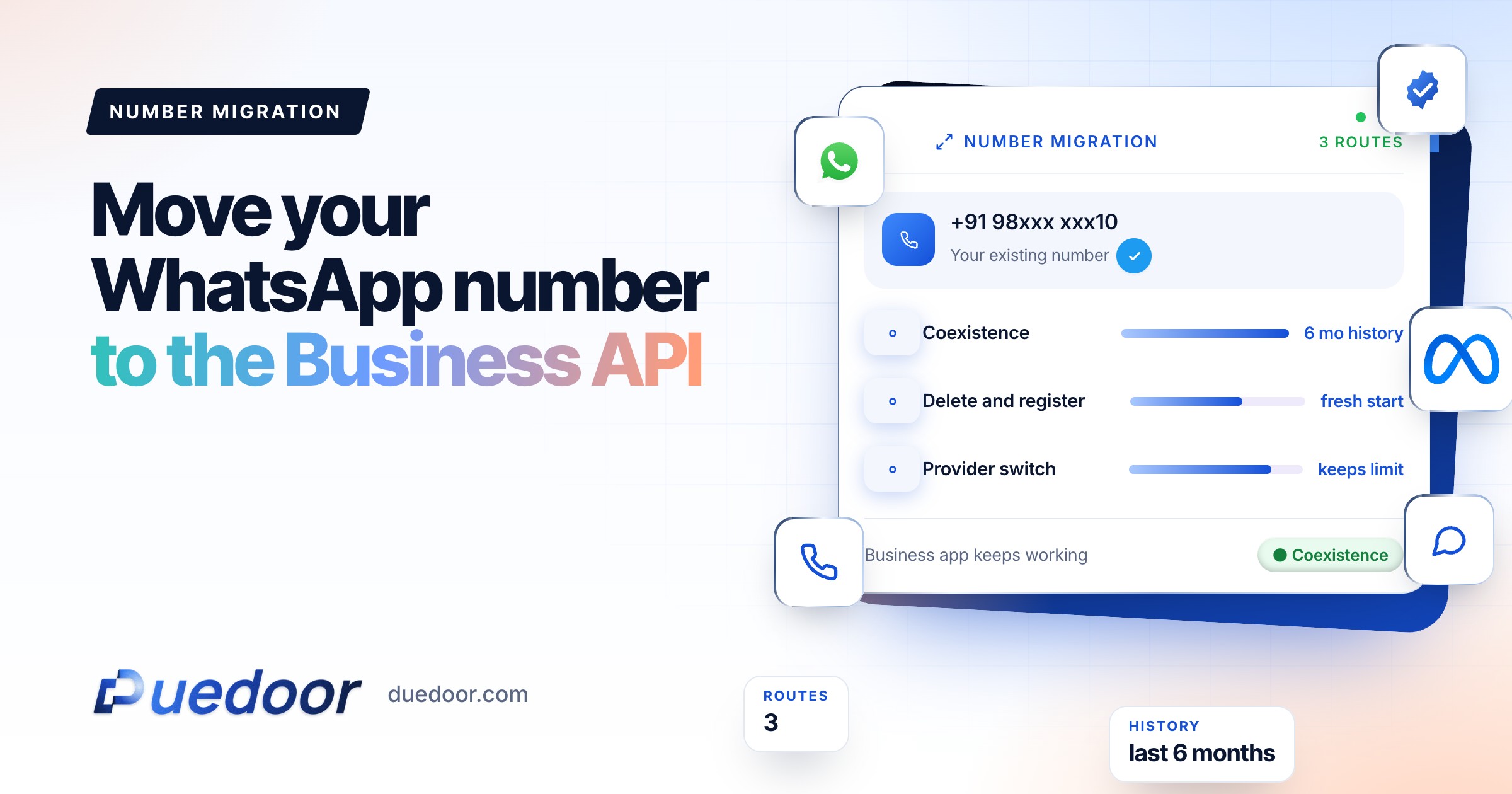
| Coexistence | Delete and register | Provider migration | |
|---|---|---|---|
| Number is currently on | WhatsApp Business app | WhatsApp or Business app | Another provider’s API |
| Chat history | Last 6 months can sync | Erased on deletion | Export it from your old platform |
| Business app keeps working | Yes | No | Not applicable |
| Downtime | Sync takes several minutes | Until registration completes | Templates briefly unavailable |
| Best for | Owners who reply from their phone | A clean start on the API | Switching platforms |
Still choosing? Read WhatsApp Business app vs API.
Where does your number live today?
 CoexistenceKeep the app, sync the last 6 months of chats
 Delete and registerHistory is erased, so export first
 Provider migrationKeeps display name, quality rating and limit
Migration route finder
Four questions. Get the right route for your number and the checklist that stops a migration from stalling.
Your full report
Recommended plan
Based on Meta’s documentation as of September 2026.
Send your results to us on WhatsApp, or leave your details. Takes 10 seconds.
Route 1: coexistence with the WhatsApp Business app
Meta lets a business connect its existing WhatsApp Business app account and number to the Cloud API through a provider’s embedded signup, often called coexistence. You send volume through the API and still reply one-to-one from the app, with history kept in sync.
What Meta’s documentation says, and the limits
- You need WhatsApp Business app version 2.24.17 or higher, and the provider must be a Meta Solution Partner or Tech Provider.
- Your WhatsApp contacts, and one-to-one chats from the most recent 6 months, can be synchronised if you agree to share them. Group chats are not synchronised.
- The provider has 24 hours to synchronise your data, or you repeat the flow. Keep the app open meanwhile.
- Throughput is fixed at 20 messages per second for numbers on both the app and the API.
- In the app, broadcast lists are disabled (existing ones become read-only), and disappearing messages, view-once and live location are turned off for one-to-one chats.
- Linked devices are unlinked; you can re-link them, except WhatsApp for Windows and WearOS.
- App messages stay free; API messages follow Cloud API pricing (see our India pricing guide).
- If the primary phone is inactive for about 14 days, the number can be disconnected from the API.
Key point: catalogue, greeting messages, quick replies and labels keep working in the app but are not available through the API. Rebuild them in your API platform.
Coexistence in four numbers
Route 2: delete the app account and register the number
Meta’s documentation is direct: a number already in use with WhatsApp cannot be registered on the API until its WhatsApp account is deleted. A banned number must first be unbanned through an appeal.
WhatsApp’s Help Center says deleting your account erases your message history, removes you from your groups and deletes your Google Account backup, with no way back. So first export the chats you need, save WhatsApp-only contacts to your phone or CRM, and tell regular customers about the short gap.
The number still works for calls and SMS afterwards, just not in a WhatsApp app.
Route 3: migrate between providers
If your number is already on the API with another provider, you do not start over. Meta’s migration process moves the number to a new WhatsApp Business account under the new provider and keeps its display name, quality rating, messaging limit and Official Business Account status.
- Two-step verification PIN. It must be disabled first. If your old provider set it, ask them to turn it off.
- Templates. Only APPROVED templates with a GREEN score are copied, then re-checked against category rules. Copies start at UNKNOWN quality for 24 hours.
- Display name. The name must be approved, with no pending display name change.
- Account status. Your Meta business portfolio must be verified, the existing WhatsApp Business account approved, and a valid payment method attached.
- Billing. Messages delivered before migration completes are charged to the old provider; after that, to your new setup.
Registration is instant; template copying takes longer, so templates are best migrated before the number is registered. Comparing providers? See DueDoor vs WATI and DueDoor vs Interakt.
Display name and business verification
Display name rules
You need a display name to register; it is reviewed once you become eligible for a higher messaging limit. Meta’s guidelines, in practice:
- It must have a clear relationship with your legal name or your branding on your website.
- Not accepted: a bare category word (like “Fashion”) or place name, “Official” or “Verified”, references to Meta or WhatsApp, promotional text, or a website or email address.
- If the brand differs from the company, use “Brand by Company” and make the link visible on your website.
You can change the name up to 10 times in 30 days. After a change is approved, the number must be re-registered within 14 days or the name goes back for review.
Business verification
New business portfolios start at 250 unique users a day outside the customer service window. Verifying your business is one path to 2,000 and is required for provider migration. Make sure the legal name on your documents matches your website and Meta business portfolio. For how limits grow after that, read messaging limits and quality rating.
Step-by-step checklist
- Decide the route. Coexistence, delete and register, or provider migration, based on the table above.
- Confirm the number can receive a code by SMS or an international voice call, with forwarding off.
- Back up. Export important chats and save WhatsApp-only contacts.
- Get admin access to your Meta business portfolio.
- Check the display name against Meta’s guidelines, and cancel any pending name change.
- Clear two-step verification if you are moving from another provider.
- Add a payment method to the WhatsApp Business account.
- List your templates and plan to recreate any that are not GREEN.
- Run the onboarding and, for coexistence, keep the app open until sync finishes.
- Set a new two-step PIN and send a test template to your own number.
Common failure reasons
- The number is still registered on a WhatsApp app.
- The verification call cannot get through (international calls blocked, forwarding on, or an IVR).
- Two-step verification is still on during a provider migration.
- The display name is not approved or a name change is pending.
- No business verification or payment method.
- Coexistence: an old app version, sync not finished in 24 hours, or an inactive primary phone.
DueDoor is an approved Meta Tech Provider and connects your number to the official Cloud API through Meta’s embedded signup, as a done-with-you setup; the route for your number is agreed on the demo. Chats then land in a shared inbox and WhatsApp CRM pipeline (see WhatsApp Business API).
Frequently asked questions
Can I use my existing WhatsApp number for the WhatsApp Business API?
Yes, if you own it, it has a country and area code, and it can receive an SMS or voice call. A number on the WhatsApp Business app can be connected through coexistence, or its WhatsApp account can be deleted and the number registered fresh.
Will I lose my WhatsApp chat history if I move to the API?
With coexistence, one-to-one chats from the last 6 months can sync to your API platform if you share them. If you delete the WhatsApp account, WhatsApp says your message history and Google Account backup are erased, so export chats first.
Can I keep using the WhatsApp Business app after connecting to the API?
Yes, with coexistence. You keep replying one-to-one from the app while the API handles volume. Broadcast lists become read-only, disappearing messages and view-once are turned off, and throughput is fixed at 20 messages per second.
Do my templates and quality rating move when I switch providers?
The number keeps its display name, quality rating and messaging limit. Approved templates with a GREEN score are copied automatically and restart at UNKNOWN quality for 24 hours; the rest must be recreated.
Do I need business verification before I start?
Not to start sending, but verification is one path from the starting limit of 250 to 2,000 unique users a day, and it is required to migrate a number between providers.
Sources
- Meta for Developers: Business phone numbers (checked on 18 September 2026)
- Meta for Developers: Onboarding WhatsApp Business app users (coexistence) (checked on 18 September 2026)
- Meta for Developers: Migrating phone numbers among Solution Partners via Embedded Signup (checked on 18 September 2026)
- Meta for Developers: Two-step verification (checked on 18 September 2026)
- Meta for Developers: Display names (checked on 18 September 2026)
- Meta Business Help Center: Display name guidelines for the WhatsApp Business Platform (checked on 18 September 2026)
- Meta for Developers: Messaging limits (checked on 18 September 2026)
- WhatsApp Help Center: How to delete your account (checked on 18 September 2026)
Keep your number, move to the API
Tell us where your number lives today and we will map the route on a free demo.

